
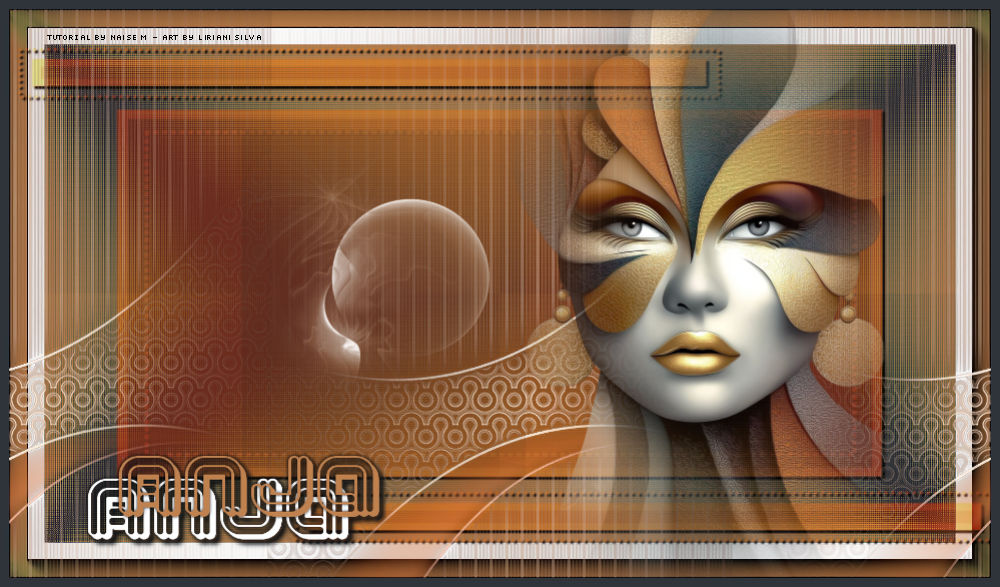
This tutorial was translated with permission from NaiseM.
With affection and gratitude to the author, I am happy to translate and share this lovely tutorial.


*Original Tutorial*
MATERIAL

Misted: rosto_misted
Deco: deco1
Image: imagem-deco
Mask: NarahsMasks_1857
Title and credits
PLUGINS
Mehdi → Wavy Lab 1.1
Filters Unlimited 2.0 → Funhouse → Loom
Filters Unlimited 2.0 → Simple → Half Wrap
AAA Frames → Foto Frame
Credits
Mask: Narah, thank you!
Other materials: NaiseM
A little gift for my Dutch translator, Anja.
All tutorials are personal. Any resemblance is purely coincidental.
Tutorial created by the Author in PSP 2022 Ultimate.
My version made in PSP 2022.
 |
This arrow marks your lineClick and drag to move it |
Colors used in this Tutorial
Foreground: #2f343a
Background: #bc814f

1_. Open a new transparent image of 950 x 550 px.
2_. Choose two colors from your misted:
Foreground: #2f343a
Background: #bc814f
3_. Effects → Plugins → Mehdi → Wavy Lab 1.1, with the settings below.
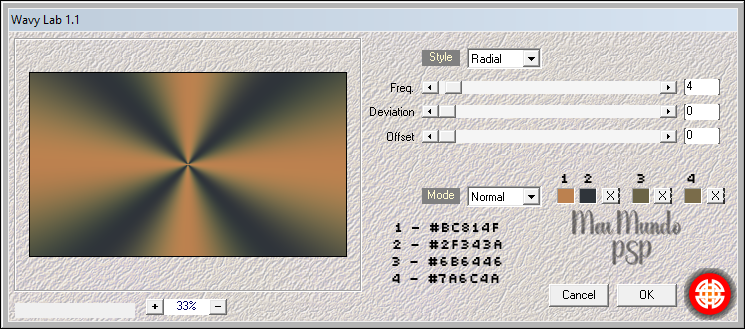
4_. Effects → Plugins → Filters Unlimited 2.0 → Funhouse → Loom, with the settings below.
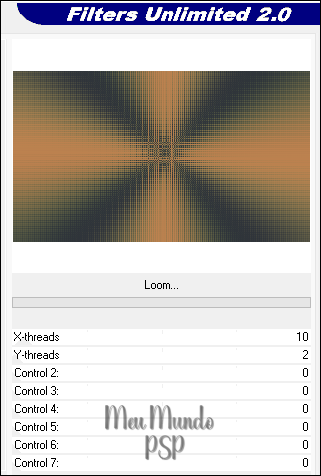
Effects → Edge Effects → Enhance.
5_. Effects → Plugins → Filters Unlimited 2.0 → Simple → Half Wrap.
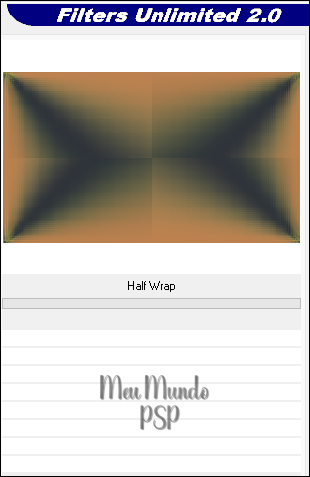
6_. Effects → Plugins → AAA Frames → Foto Frame.
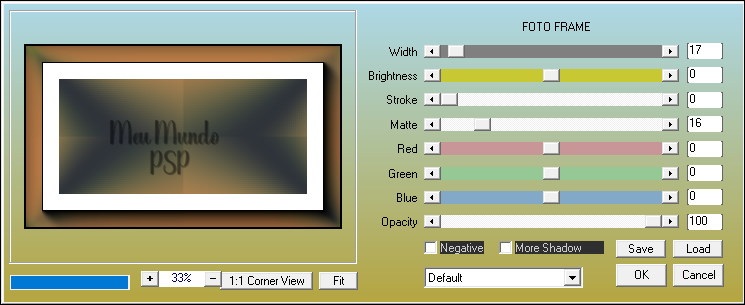
7_. Layers → New Raster Layer.
Fill with the color #bc814f.
8_. Layers → Load/Save Mask → Load Mask From Disk: apply the mask NarahsMasks_1857.
Layers → Merge → Merge Group.
Effects → 3D Effects → Drop Shadow: 2 / 2 / 100 / 1,94 - color #000000.
Layers → Properties → Blend Mode: Hard Light.
9_. Preparing the deco image:
Open the imagem-deco.
Layers → New Mask Layer → From Image.
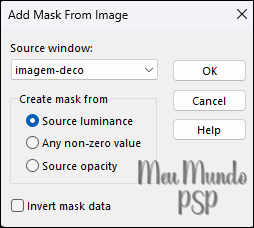
Layers → Merge → Merge Group.
10_. Edit → Copy and go back to your work: Edit → Paste As New Layer.
Effects → Image Effects → Seamless Tiling: Side by side.
Colorize to your liking.
11_. Open the rosto_misted → Edit → Copy → Edit → Paste As New Layer.
With the Pick Tool: X: 483 / Y: -35.
12_. Open the deco1 → Edit → Copy → Edit → Paste As New Layer.
With the Pick Tool: X: 225 / Y: 117.
13_. Image → Add Borders → Symmetric checked: 9 px - color #2f343a.
14_. Open the title → Edit → Copy → Edit → Paste As New Layer.
With the Pick Tool: X: 81 / Y: 437.
15_. Sign your work.
16_. Add the credits.
17_. Export as JPG.
Send your version Here.

My Version
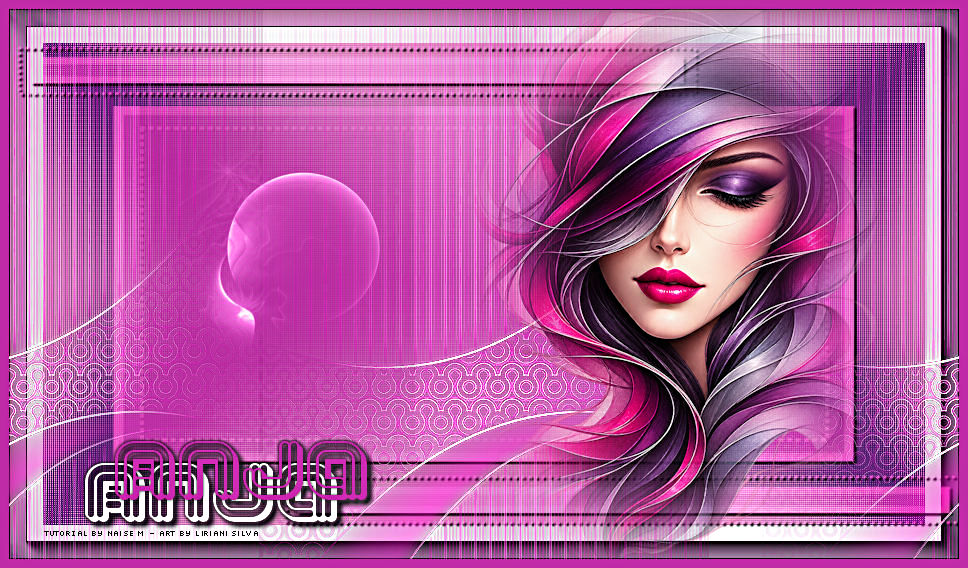
Credits
Misted: Liriani Silva
Materials provided by the Author.
Translation Liriani Silva
20/10/2026